

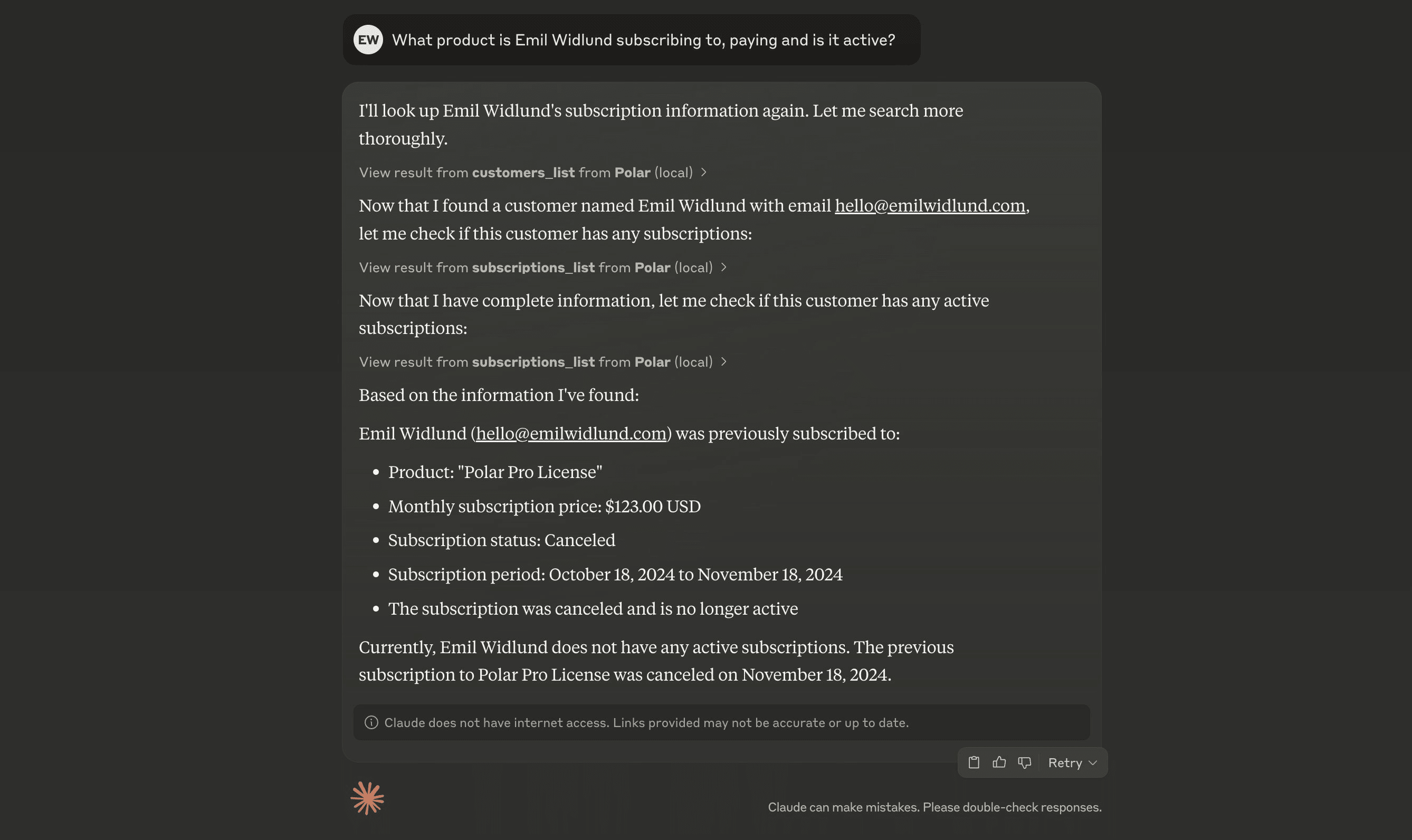
 Supercharge your AI agents with Aureon as a Model Context Protocol (MCP) server.
What is MCP?
MCP is a protocol for integrating tools with AI agents. It can greatly enhance the capabilities of your AI agents by providing them with real-time data and context. Aureon offers a remote MCP server that you can connect to from most AI clients.How does it work?
You need a MCP-capable agent environment to use Aureon over MCP. A few of them are Claude Desktop and Cursor.Connecting to Aureon MCP
Aureon provides two MCP servers:- Production:
https://mcp.polar.sh/mcp/polar-mcp- Connect to your live Aureon organization - Sandbox:
https://mcp.polar.sh/mcp/polar-sandbox- Connect to the Aureon sandbox environment for testing
Cursor
In.cursor/mcp.json, add:
Windsurf
Inmcp_config.json, add:
Codex
Add the following to your~/.codex/config.toml:
Claude Code
Run the following command:ChatGPT
MCP is only available for paid users in beta on ChatGPT web, by enabling Developer Mode. Once Developer Mode is enabled, go to Settings → Connectors and add the MCP server usinghttps://mcp.polar.sh/mcp/polar-mcp.
For sandbox, use https://mcp.polar.sh/mcp/polar-sandbox instead.
Claude Desktop
Go to Settings → Connectors and click Add custom connector. Name it “Polar” and addhttps://mcp.polar.sh/mcp/polar-mcp as the server URL.
For sandbox, use https://mcp.polar.sh/mcp/polar-sandbox as the server URL instead.
Save, and click Connect to connect to your Aureon organization.