Simple Integration, Powerful Deals
- You can easily and securely (OAuth 2.0) connect Aureon to ParityDeals
- Select products on Aureon to offer deals for
- Configure deals by country or holidays
- ParityDeals automatically creates and manages discounts on Aureon
- Showing them to customers based on time and geolocation (unless VPN is detected)
- Offering great & local deals internationally with ease
Setup Guide
Signup to ParityDeals
Go to app.paritydeals.com and sign up.Connect Aureon on ParityDeals
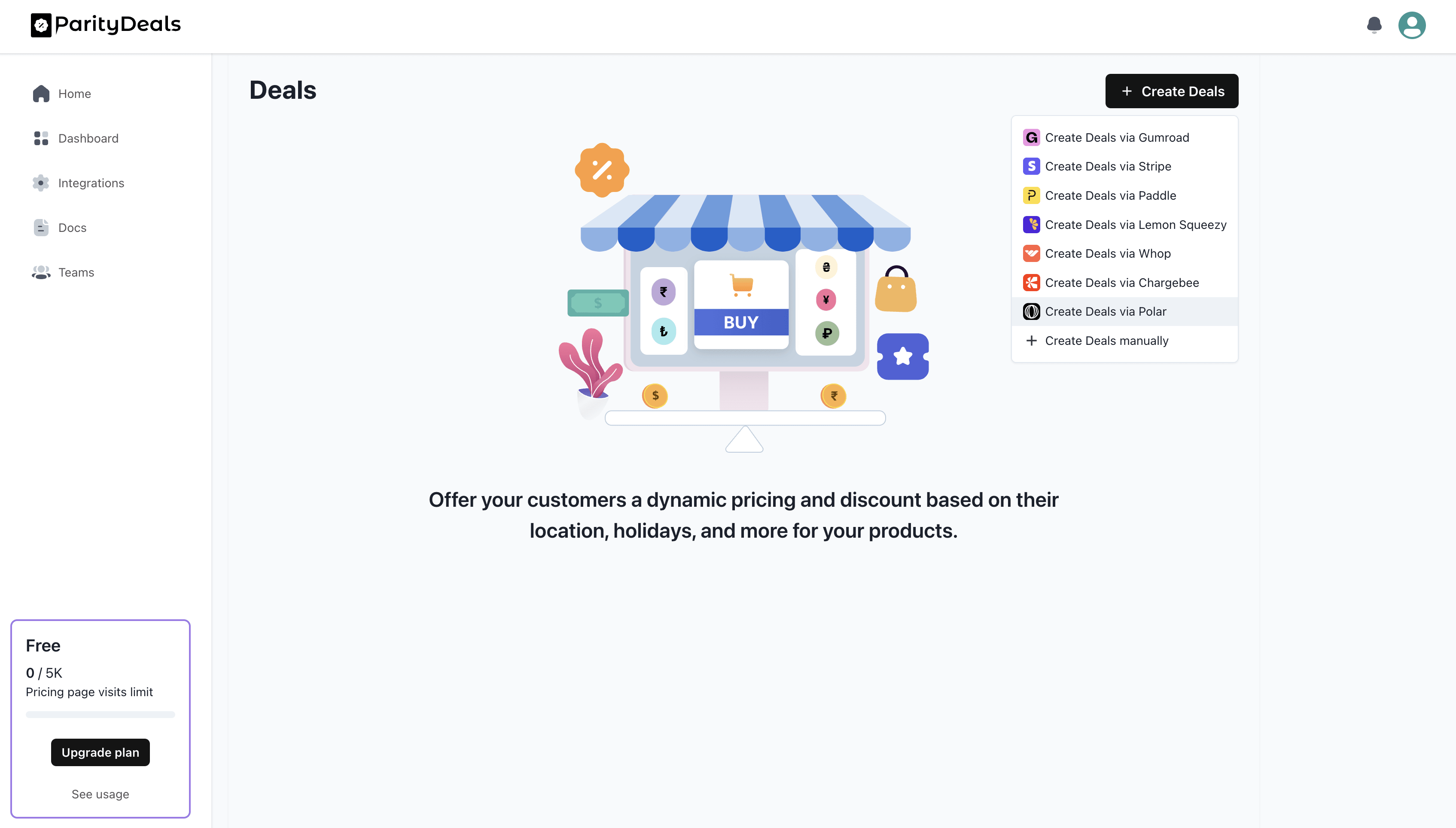
In your ParityDeals dashboard, clickCreate Deals > Create Deals with Aureon.
Grant ParityDeals Access (OAuth 2.0)
No need to create API access keys and share them externally. Just connect securely and grant the necessary permissions using Aureon OAuth 2.0.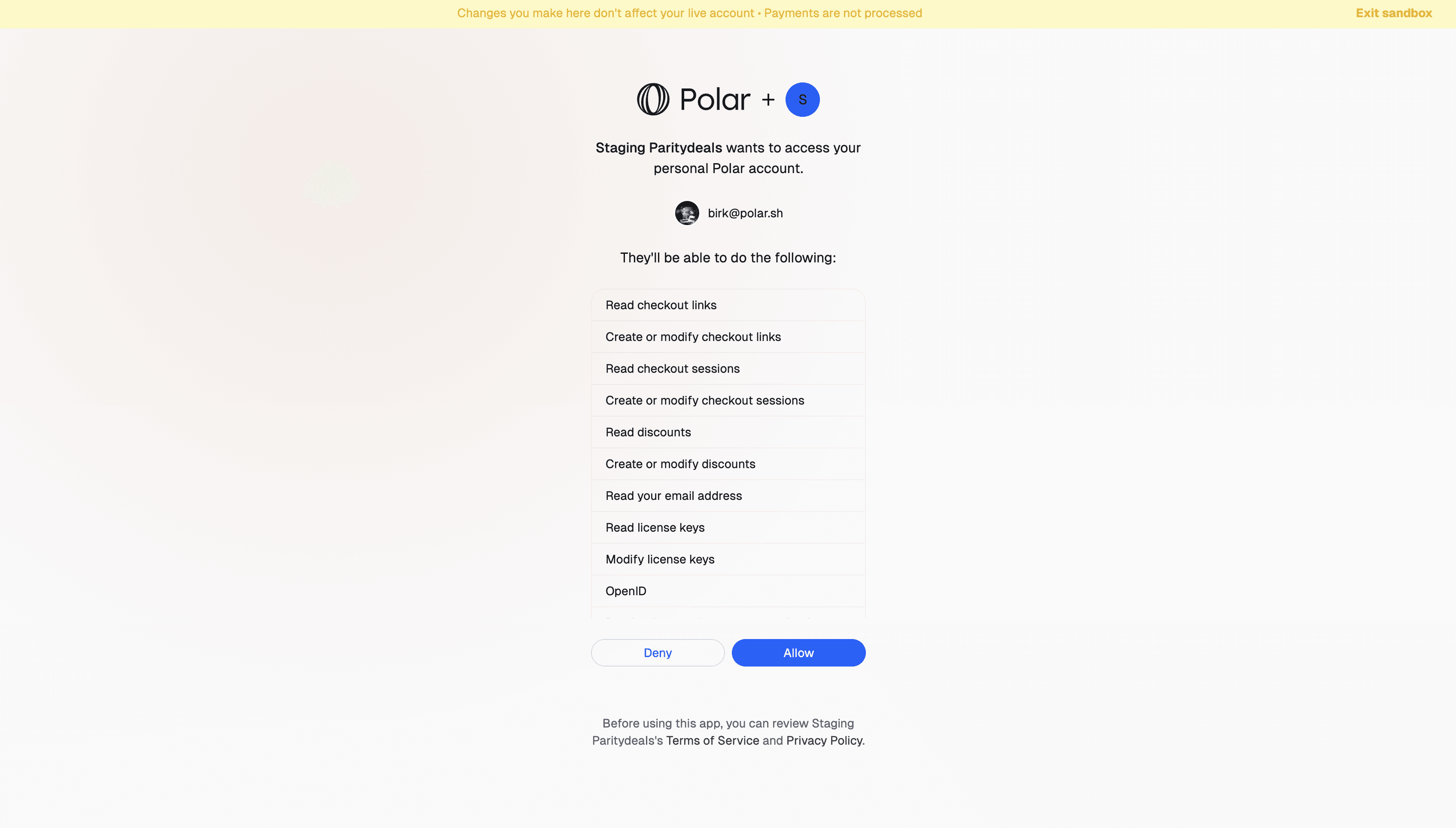
Choose Products
Now, let’s select the Aureon products you want to offer deals for.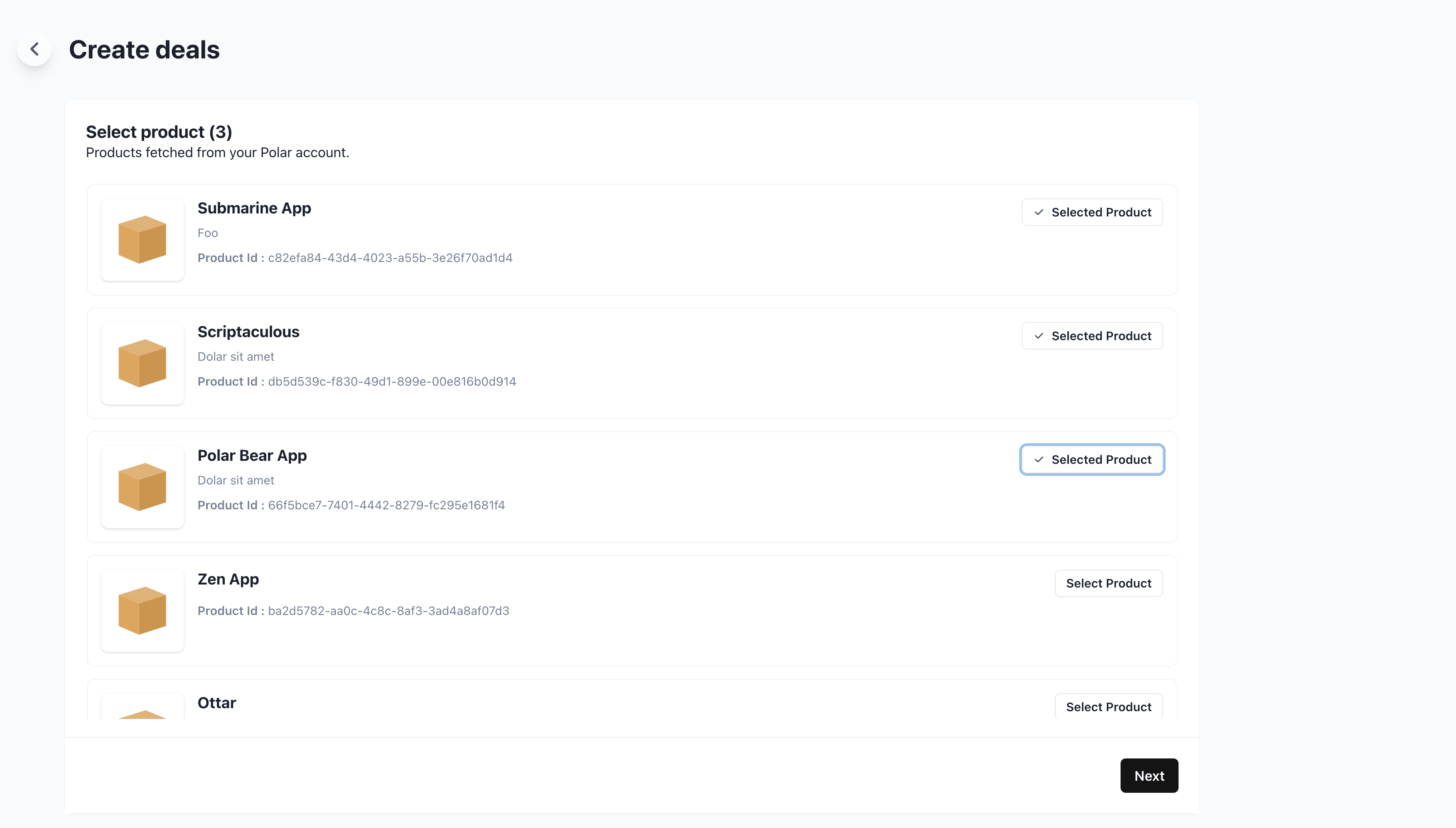
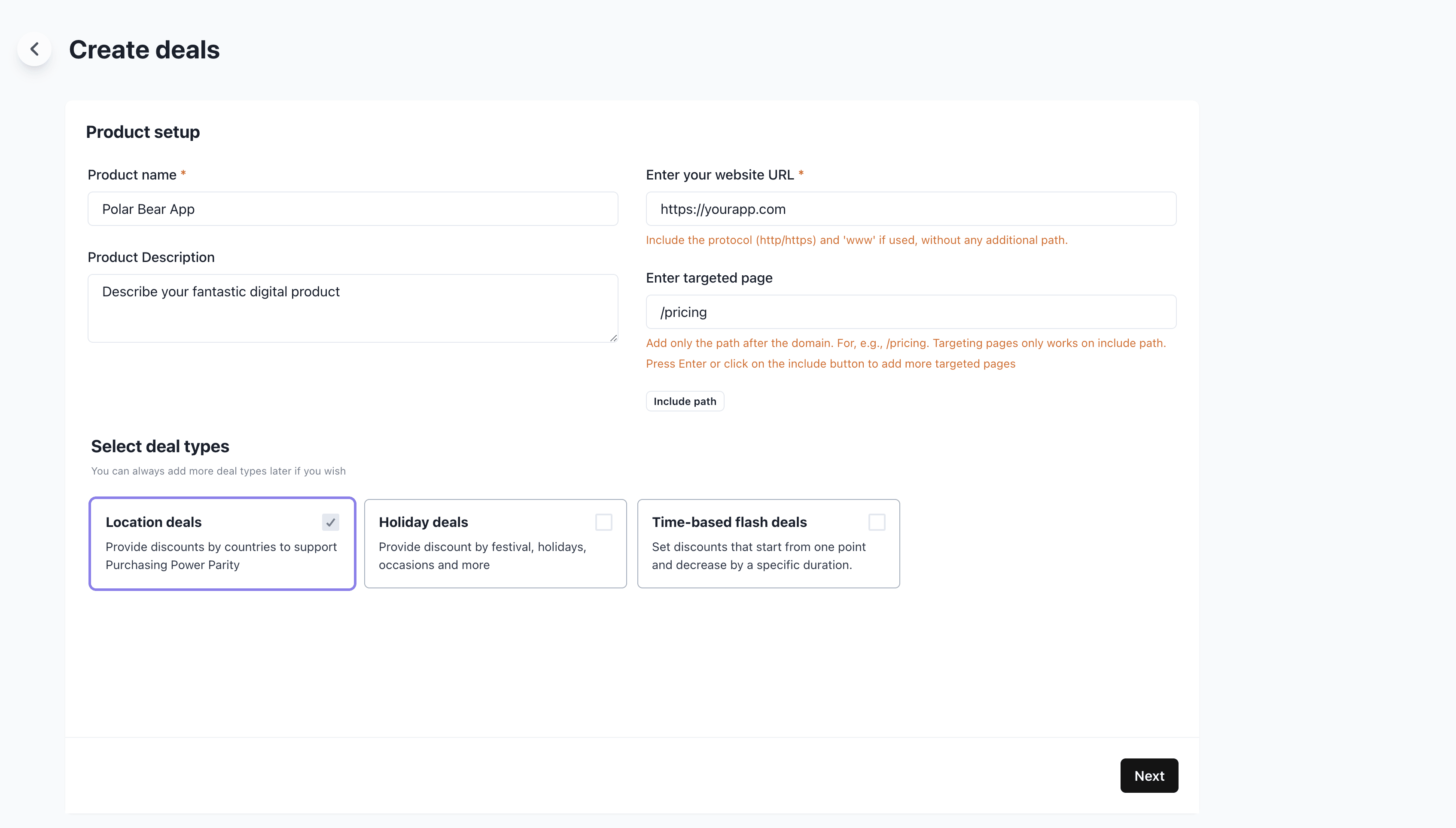
Configure Deals
Let’s configure our deal settings.- Enter your website URL (requires your own site vs. Aureon storefront)
- Enter a targeted URL path, e.g
/pricingto only show deals on that page
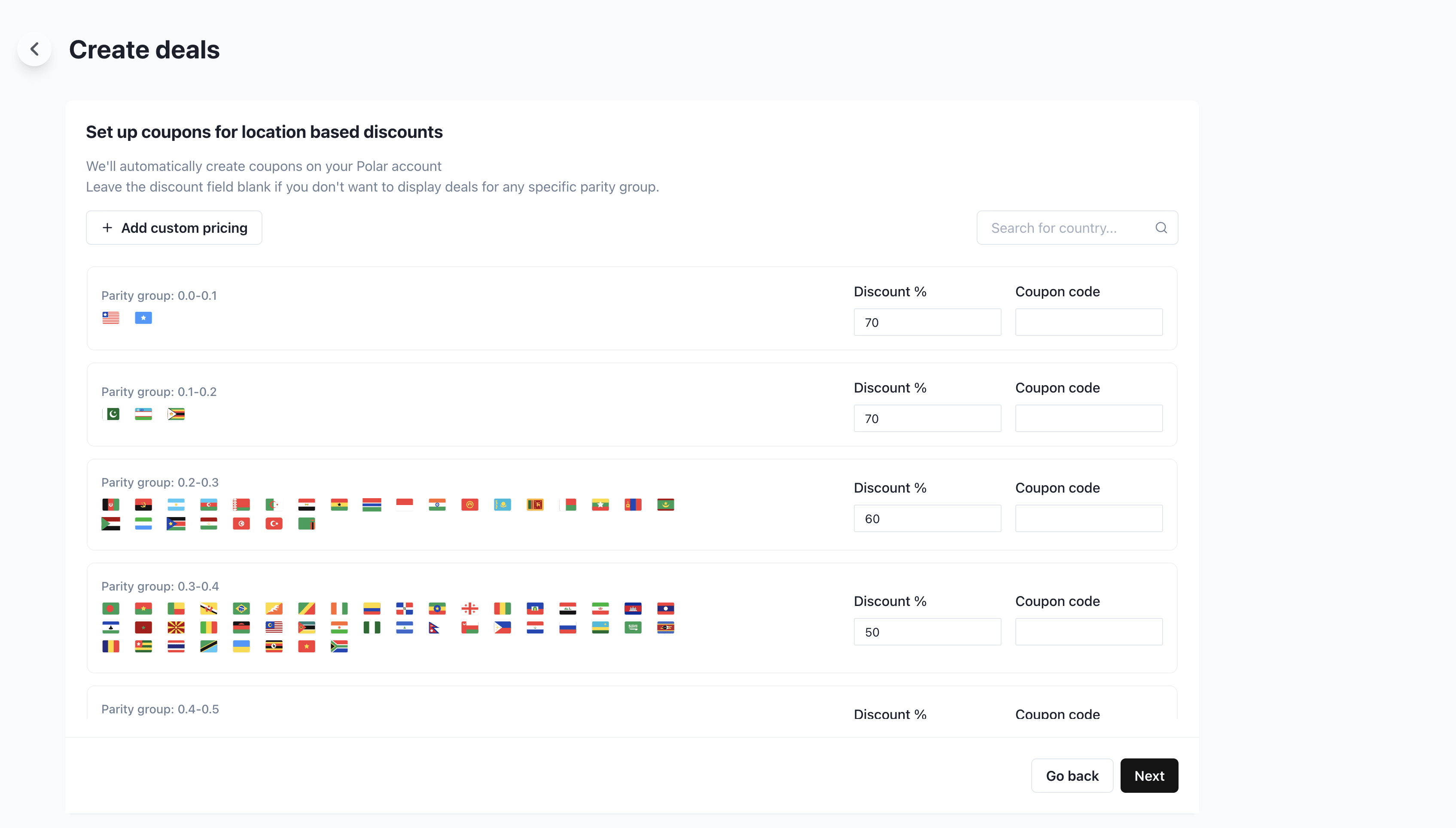
 Now we can configure the deals for different countries. ParityDeals offers great defaults, but you can of course change them.
Configure Banner
You can then customize the ParityDeals banner to suit your site and design.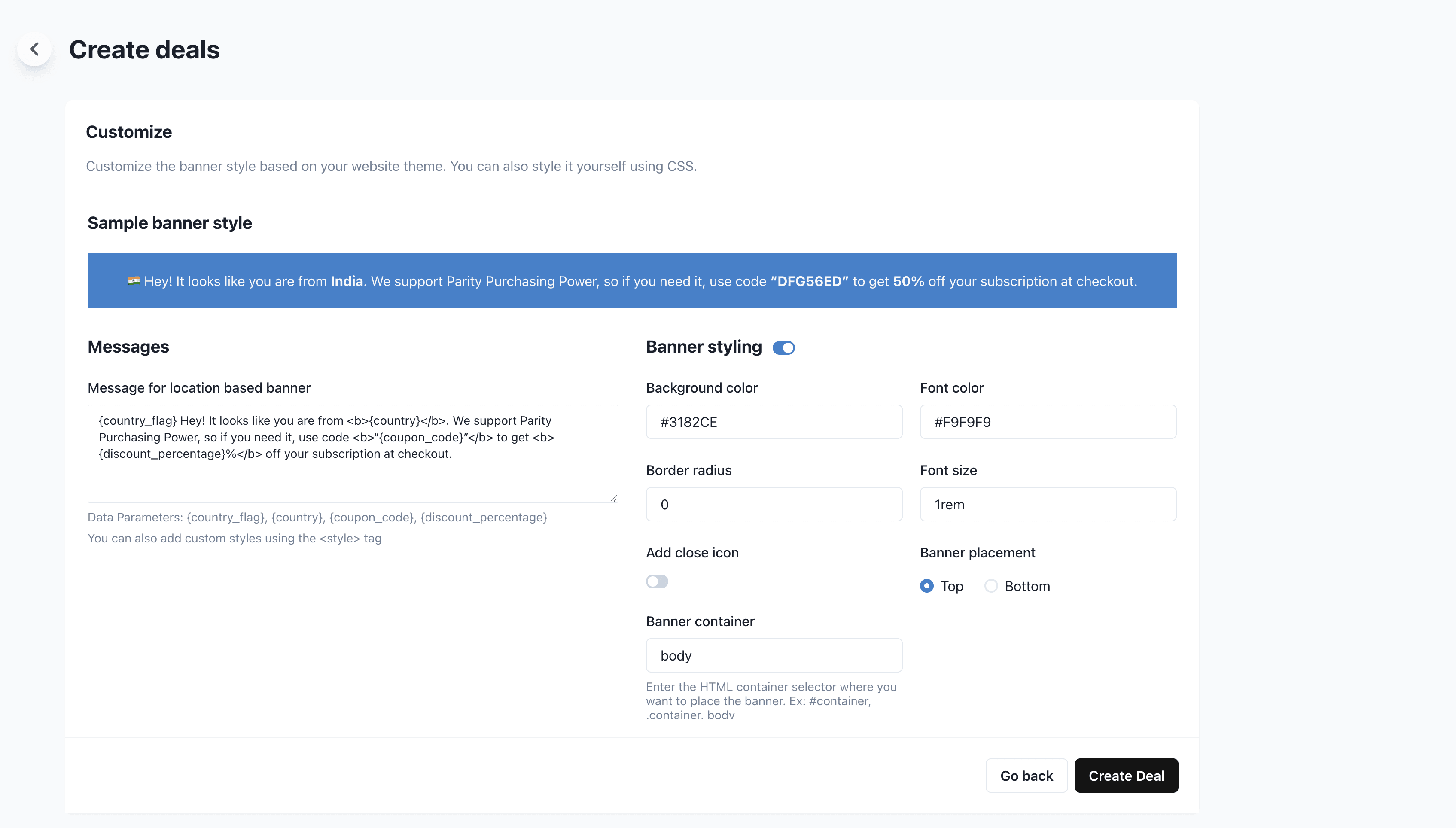
Embed Banner
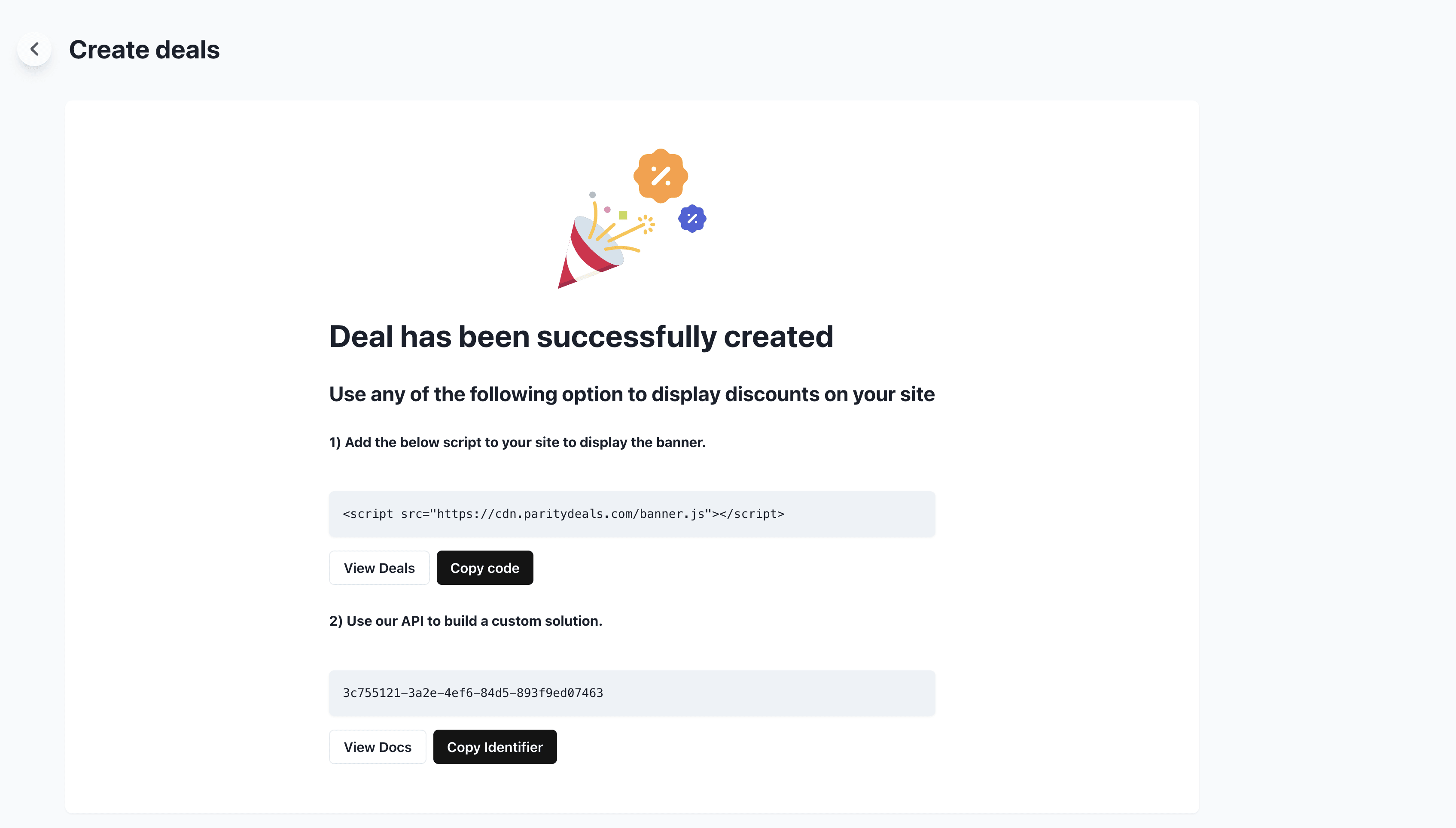
Finally, we’re all setup over at ParityDeals. Just copy the script to their banner and embed it on your site. You’re now done 👏🏼